
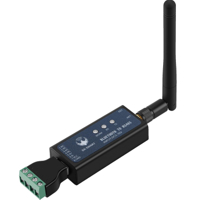
محول من بروتوكول ار اي 485 الى بلوتوث side image
محول من بروتوكول ار اي 485 الى بلوتوث side image
محول من بروتوكول ار اي 485 الى بلوتوث side image
محول من بروتوكول ار اي 485 الى بلوتوث side image
محول من بروتوكول ار اي 485 الى بلوتوث side image
محول من بروتوكول ار اي 485 الى بلوتوث side image
محول من بروتوكول ار اي 485 الى بلوتوث side image
محول من بروتوكول ار اي 485 الى بلوتوث
IQD 39,000
الوصف
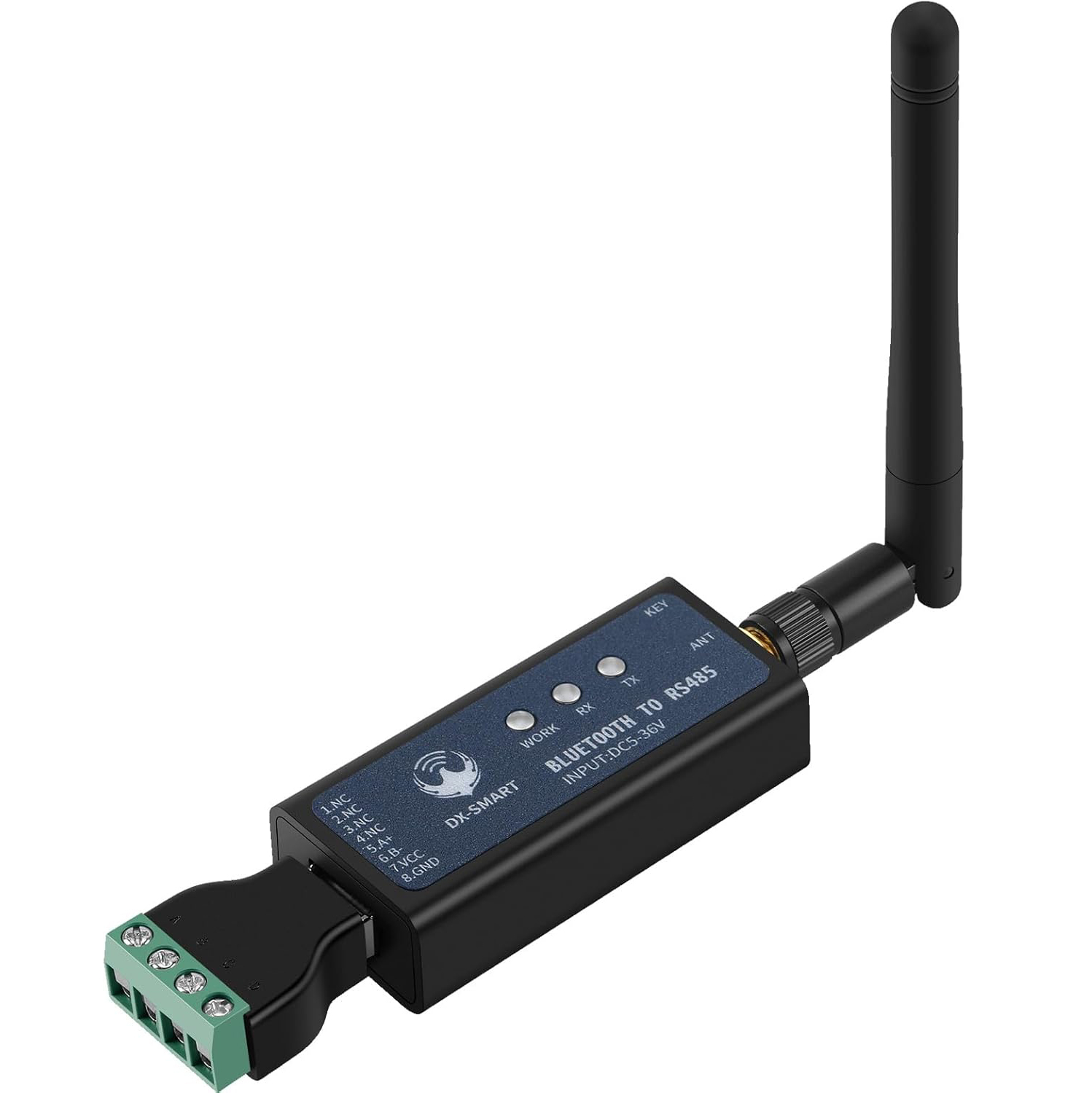
RS485 to Bluetooth Serial Adapter is an industrial-grade wireless communication module designed to transform wired RS485 devices into wireless, providing reliable and secure communication. With Bluetooth 5.1 BLE technology, this module supports high-speed, stable, and long-range communication, making it ideal for various industrial applications. It is compatible with Android and iOS devices, allowing users to remotely control or monitor equipment through Bluetooth.
Key Features:
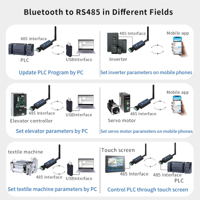
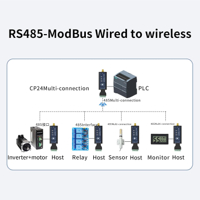
Wired to Wireless Conversion: Converts RS485 wired devices to wireless, supporting applications like PLC programming updates, frequency converters, motors, relays, sensors, CNC machines, temperature control, and industrial instruments.
Bluetooth 5.1 BLE Module: Equipped with Bluetooth 5.1 BLE for extended range and compatibility with Android and iOS devices. Note: This module cannot directly connect to a computer; for computer connection, use the CP11-Master module.
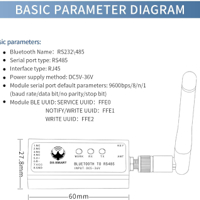
RS485 Communication Port: Default settings of 9600bps, 8 data bits, no parity, 1 stop bit. Supported baud rates include 2400, 4800, 9600, 19200, 38400, 57600, and 115200.
Baud Rate Switching: Press the key twice to switch baud rates. The blue LED indicates the baud rate, flashing once for 2400, twice for 4800, etc., up to 115200.
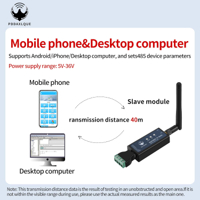
Visible Range: Bluetooth communication range of up to 40 meters.
Easy to Use: Plug and play, with comprehensive resources available on the official website, including testing software, user manuals, and development documents.
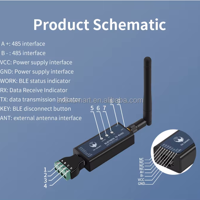
Hardware Construction:
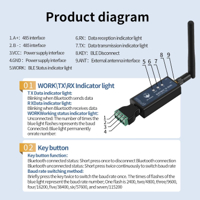
A / B-: RS485 interface
VCC / GND: Power supply interface (DC 5-36V)
WORK: BLE status indicator
RX: Data receive indicator
TX: Data transmission indicator
KEY Button:
Short press once to disconnect Bluetooth
Press twice to switch baud rate
Application Scenarios:
Industrial Equipment: Used with PLCs, CNC machines, temperature control equipment, frequency converters, relays, motors, and sensors.
Remote Monitoring: Access control, industrial control machines, LED displays, barcode printers, cash registers, scanners, and more.
Parameter Settings: Update settings for devices like inverters, motors, and servomotors via mobile devices or desktop computers.
Wireless communication between devices and mobile phones

Compatible with Android/iOS
Step 1: Connect DX-CP24 Slave module to the device through the 485 interface;
Step 2: Install our Android testing app onto the Android phone, open the transmission interface for searching and connecting; Or download our company's "DX-SMART" app from the Apple Store and use it for data transmission testing
Step 3: After searching for the Bluetooth name, click on the name to connect; Or scanning the device QR code by "ScanConnect", a "drop" sound indicates successful connection;
Step 4: After connecting, data exchange can be carried out
You can find out all resources related to DX-CP24 bluetooth module from our offical website. Including testing software, drivers, software reference source code, technical manuals, AT Command documents.
Wireless communication between devices and computers

The computer needs to be used in conjunction with our CP11-master Bluetooth adapter
Step 1: Connect CP24 to the device through the 485 interface;
Step 2, install the "CH341" driver in the data package on the computer;
Step 3, Insert the CP11-master into the USB interface of the computer;
Step 4: Install the sscom5.13.1 computer serial port software, open the serial port software and select the corresponding COM port of the CP11 adapter. Configure the default parameters for serial port software installation as 9600bps/8/n/1 (baud rate/data bit/no parity/stop bit);
Step 5, the CP11 adapter will actively search for the CP24 Bluetooth Module and connect it;
Step 6: After connecting, data exchange can be carried out;

Wireless communication between devices and devices by DX-CP24
A CP24 Master is connected to device 1 through a 485 interface, and a CP24 slave is connected to device 2 through a 485 interface.
The CP24 Master Bluetooth is connected to the CP24 slave Bluetooth, thereby achieving wireless data communication between device 1 and device 2.

التاكات
منتجات مشابه
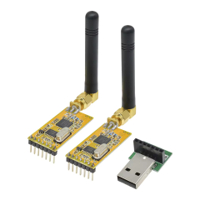
مرسل ومستلم واير لس ببروتوكول APC220
IQD 68,000
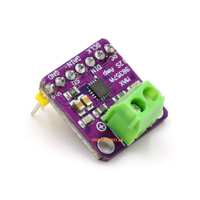
مكبر اشارة صوتية من خلال بروتوكول Max98357
IQD 3,500
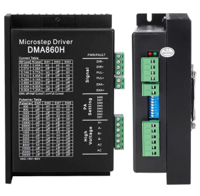
متحكم محركات الستيبر بتيار يصيل الى 7 امبير وتغذية 80 فولت مع خاصية خطوات مايكروستيب
IQD 55,000
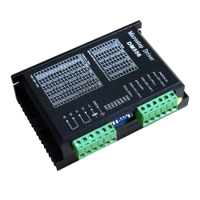
متحكم محركات الستيبر بتيار يصيل الى 7 امبير بخطوات مايكروستيب
IQD 19,000
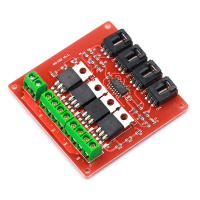
موسفت درايفر مودل لاربع احمال
IQD 3,750
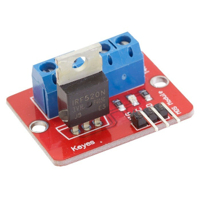
موسفت نوع اي ار اف 520 على شكل ملحق لربطه مع الاردوينو او اي متحكم
IQD 1,250
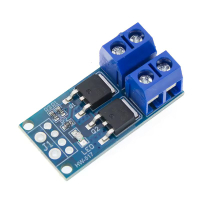
موسفت سوج درايفر 400 واط
IQD 1,500
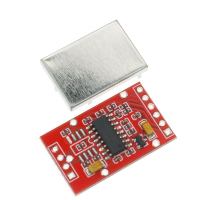
امبليفاير للولد سيل نوع اج اكس 711 بدقة 24 بت مع عزل معدني
IQD 2,500
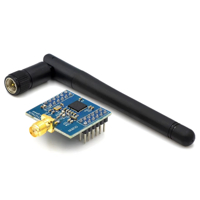
محلق ارسال واستلام زكبي نوع سي سي 2530
IQD 10,000
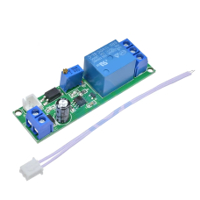
كارت تايمر ديلي يعمل على الاطفاء
IQD 3,500
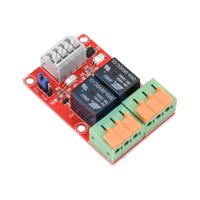
كارت ريلي مودل قناتين تحكم 5 فولت
IQD 9,000
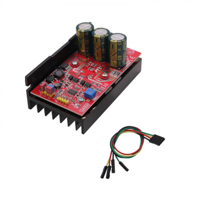
متحكم ماطور ديسي 8 الى 48 فولت 720 واط يتحمل 20 امبير
IQD 55,500
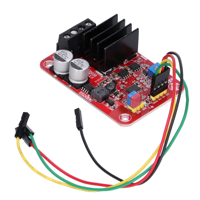
متحكم ماطور ديسي فولتية من 7 الى 27 فولت 240 مع تحكم مباشر بالسرعة
IQD 29,000
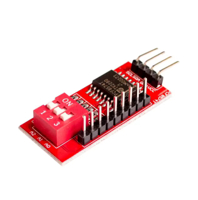
بورد اكسبانشن للبنات من بروتوكول ال اي اتو سي
IQD 3,000
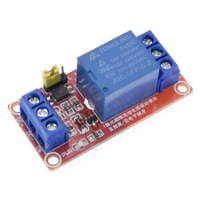
ريلي مزود بامكانية تغيير نوع اشارة التلقيط
IQD 1,500
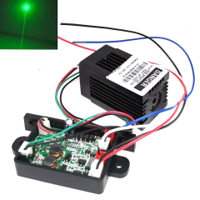
ليزر بطول موجي 532 نانو متر وقدرة 50 ملي واط
IQD 54,000
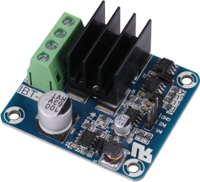
درايفر ماطور نوع اج برج يتحمل من 5 الى 15 فولت و 50 امبير
IQD 10,000
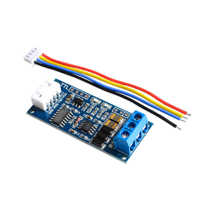
بورد لتحويل الاشارة من تي تي ال الى ار اس485
IQD 3,250
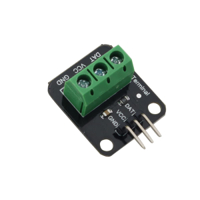
كارت محلق مع متحسس الحرارة نوع دي اس 18 بي 20
IQD 1,500
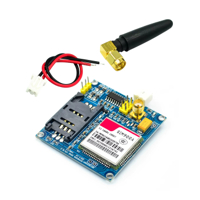
بورد جي اس ام النسخة الرابعة
IQD 9,000
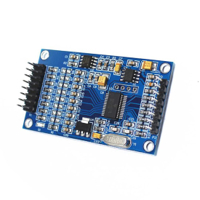
موديول 24بت 8 منافذ لتحويل الانالوج الى دجتل
IQD 18,000
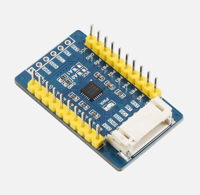
بورد لزيادة منافذ ادخال واخراج المتحكمات
IQD 14,000
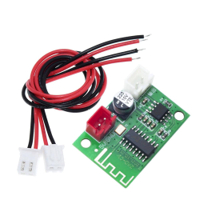
مكبر اشارة صوت بلوثوث 5 فولت 5 واط
IQD 5,000
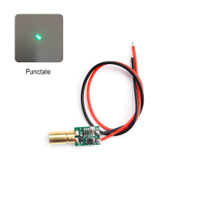
ليزر اخضر 10 ملي واط 520نانومتر مع قابلة التحكم بالعدسة
IQD 12,000
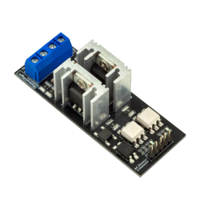
وحدة تحكم ايسي ديمر (قناتين) للتحكم بجهد يصل إلى 400ف/8امبير
IQD 19,000
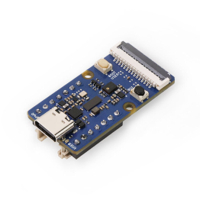
ملحق اضافة امكانية معالجة الصور للاردوينو من شركة سيد ستوديو
IQD 42,000
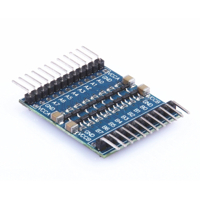
ملحق تحويل الاشارة من 5 فولت الى 3 فولت لمنافذ الرازبيري باي
IQD 3,000
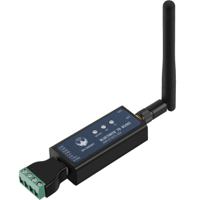
محول من بروتوكول ار اي 485 الى بلوتوث
IQD 39,000
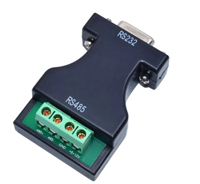
محول اشارة من بروتوكول ار اس 232 الى بروتوكول ار اس 485
IQD 6,000
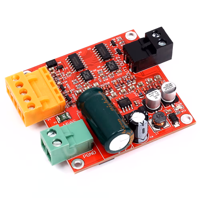
بورد درايفر لماطور الديسي فولتية من 6 الى 36 فولت 15 امبير
IQD 18,000